Company & team
A complete company website with purpose, services, people and partner stories.
Screen preview
The image below shows the TypeScript screen. Open the web preview to try its controls; it runs the same source included in the starter.
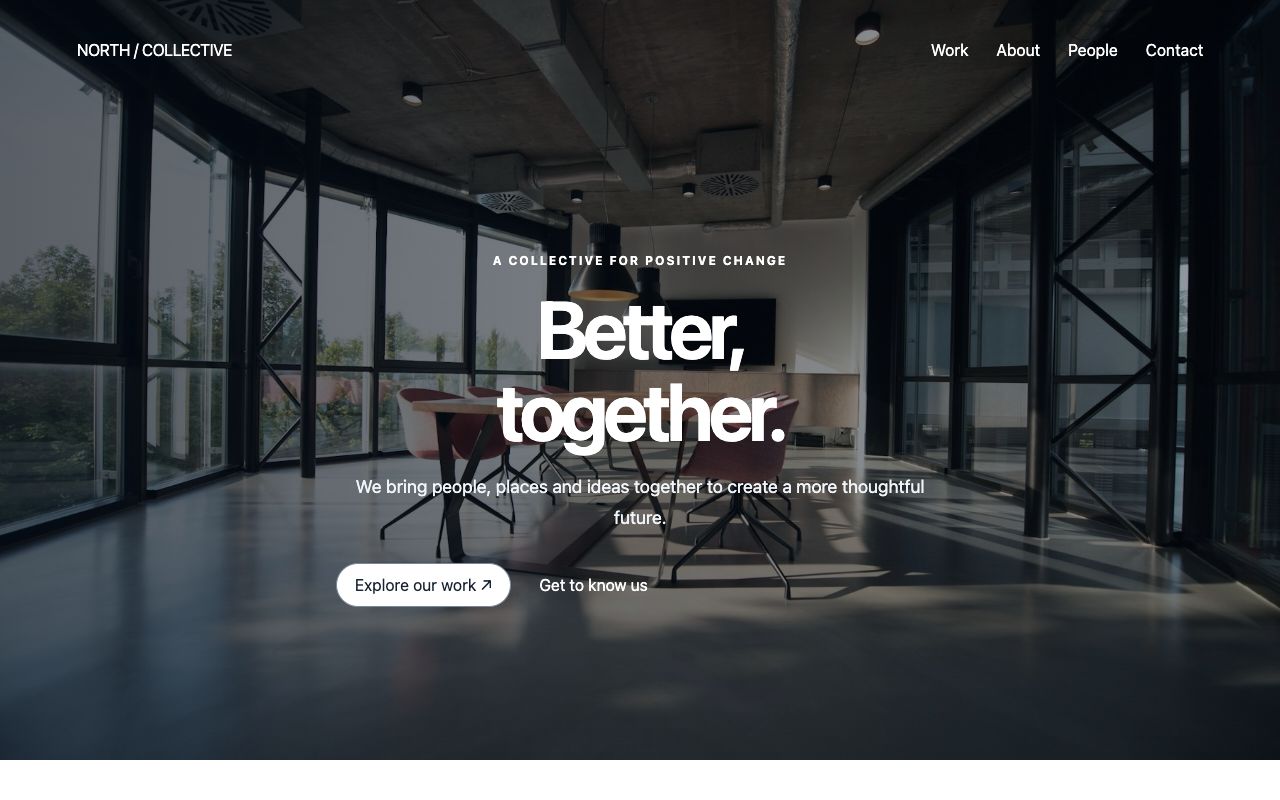
Web components used
HeroSection · SplitSection · MediaCard · CollectionLayout · ProfileCard · ContentCarousel · QuoteCard
HeroSection, SplitSection and CollectionLayout supply the full-width composition. Each component is also available independently from @blukavantui/web.
Connect your API
Connect the screen to your own data and save actions. Handle permissions and validation on your server.
Use this TypeScript screen
- Download the complete starter and run
npm ci, thennpm run dev. Choose Company & team under Screen templates. - To move it into an existing web app, copy
src/templates/company.tstogether withmarketing-shared.ts. Install@blukavantui/weband import@blukavantui/web/theme.css. - Call
mount(host, env)with a connected HTML element. Useenv.urlfor your screen routes andenv.galleryUrlfor the header link. Calldestroy()when removing the screen.
The single-file download needs the shared files above; the complete starter contains everything.
OutSystems version — separate setup
In Service Studio, copy TemplateCompany and the shared MarketingTemplateLayout from BluGrid_Sample. Retain the referenced BluKavantUI libraries selected by that screen. Foundations belong to Core; layout, input, data, feedback and media Blocks live in their corresponding libraries. Replace sample reads and saves with your application’s server actions.
These instructions apply only to the OutSystems screen.
Open OutSystems screen ↗