Animated portfolio
Fieldwork brings an outdoor brand to life with title entrances, scroll reveals, photo zoom and animated tabs. Includes an editable journal story and motion preferences.
Fieldwork is a complete, editable portfolio for an outdoor brand. See the 1.2 animations in context: a title that arrives in sequence, containers that reveal as you scroll, photographs that zoom gently, and tabs that keep your place.
Motion you can explore
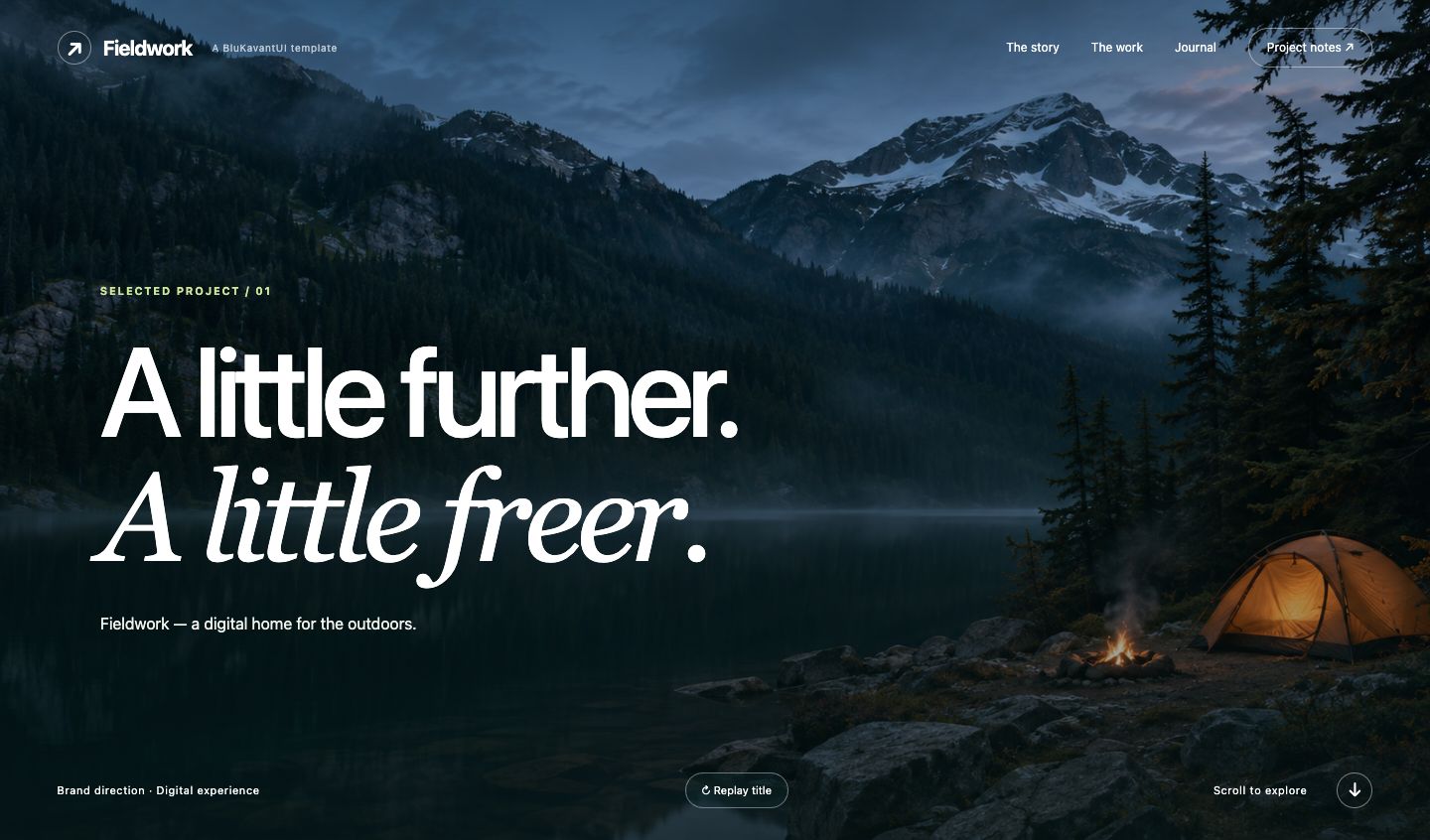
- Title and scroll reveals: 750 ms entrances, with slide, zoom and fade effects on individual containers.
- Photo zoom: hover over the story images or use the landscape’s zoom button.
- Animated tabs: type a project note, switch tabs, then return to your draft.
- Journal and project notes: open either dialog, then close it with its button or Escape.
- Your motion preference: Standard follows your device setting; Reduced uses gentler changes; Off makes changes immediate.
Run and edit the web template
The download includes HTML, CSS, TypeScript, the two original illustrations, setup instructions and the Community licence. It uses the published @blukavantui/community@1.2.0 package. No Pro licence is needed.
npm install
npm run dev
Use Node.js 24 or newer. Edit index.html for the content, style.css for the layout, and main.ts for the interactions. Run npm run build to create a standalone static website in dist/.
This is a separate template download; the existing Community starter archives are unchanged. The sample note stays in memory and is cleared on reload.
Reuse the animation classes
The template imports the motion helpers and stylesheet from Community:
import { createMotionController, createScrollReveal } from '@blukavantui/community/motion'
import '@blukavantui/community/motion.css'
Containers use blu-motion-enter-slide-up, blu-motion-enter-slide-right, blu-motion-enter-zoom-in and blu-motion-enter-fade. The scroll helper starts the selected effect when the container enters the viewport. The classes choose the effect; the helper supplies the scroll trigger.
Open TemplateMotionPortfolio in BluKavantUi_Community_Demo. Copy the screen with its styles, resources and lifecycle handlers. The web and native versions use the same Community motion helpers.